AudioSum: Create Audio Summaries
AudioSum: Create Audio Summaries | Appwrite Hashnode Hackathon
Team Details
- Ajit Singh - Ajit Singh
Project Description
Introduction
With all the new AI hype, I wanted to try Open AI APIs and learn how these new large language models work. To learn that, I wanted to create an audio summary app where I can learn about the Whisper APIs and the OpenAI API.
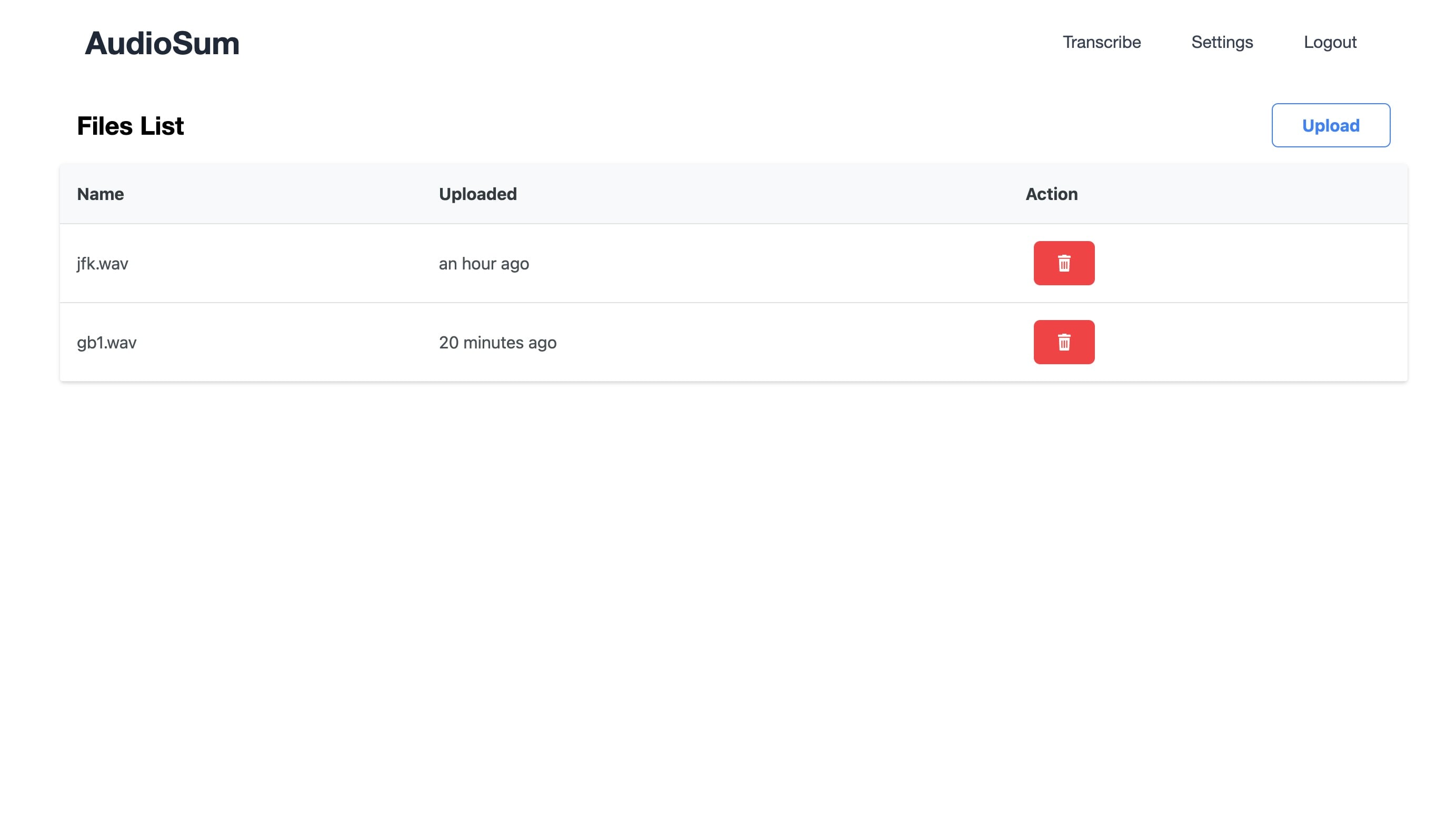
This led to AudioSum, which generates summaries of the audio you upload. It is a simple app where anyone can sign up, and then upload their audios, which automatically generates the transcription and summaries of the audio in text form.
There can be many use cases for it, including:
Journaling: You can record your journals and upload them to this app. This will give you the transcript of what you talked about on the app.
Transcripts: You can upload your audio. This will generate a transcript that you can upload to various places.
Thinking: You can record yourself while thinking out loud, and after that, the summary should be able to help you gather your thoughts.
Tech Stack
Angular: Used to create the front end.
Appwrite Cloud:
Authentication: Used for users to sign up, sign in, forgot password, confirm email, etc.
Database: Used to store your transcripts and summaries.
Cloud Functions - Python: Used to call the OpenAI API to make transcripts and store them in the database.
Realtime: Used to create summaries automatically once file upload is finished.
Storage: Used to store your audio recordings.
Challenges Faced
Multiple Events
Appwrite sends multiple "create" events on the upload of a file greater than 5MB, as it sends multiple requests to upload these files. On each request, a create event is fired. I wanted to run the transcription job when a file is created. The create file event seemed like the perfect thing that I needed, but because the function was fired before the whole thing was updated, it failed.
To get around this, I used the real-time events to listen to the create event and only run the function after the chunks uploaded equal the total chunks. The following code was used for that:
uploadEvent = APPWRITE.client.subscribe<UploadEvent>('files', (response) => {
    if (
      response.events.includes(
        `buckets.${environment.APPWRITE_BUCKET_ID}.files.*.create`
      ) &&
      response.payload.chunksTotal === response.payload.chunksUploaded
    ) {
      this.transcribeAudio(response);
    }
  });
Examples of Appwrite Use
I found it a bit difficult to use Appwrite since there were no detailed example guides for Appwrite use on Appwrite.io. It was a bit difficult to understand once I got into Appwrite limitations. For example, there is no way to pull settings from the cloud functions. If you set events on the cloud, you have to write them manually on your appwrite.json file. There is no way to create a chain of functions via events.
However, Appwrite has one of the best support teams that I encountered. When you put any question in the Appwrite support channel on their Discord, it is usually answered in 15 to 20 minutes.
Public Code Repo
Limitations
Right now I'm using the free tier which is why I have limited the size of the audio to be uploaded to 7MB.
Demo Link
Project link: https://audiosum.aicygnus.com/
Comments
Join the discussionNo comments yet. Be the first to comment.